How to Choose the Right WooCommerce Payment Gateway
Compare Stripe, PayPal and Pay on Account, plus accounting integrations and smarter ecommerce...
There is nothing quite like a high-production video to make a website feel electric. Whether it’s a cinematic background loop or a deep-dive product demo, video is the undisputed king of engagement. You’ve probably already noticed our home page right?
But here’s the problem: video is heavy. We’re not talking metal either. If you drop it onto your site without a plan, you aren’t just adding a visual; you’re adding a digital anchor that will drag your load speeds into the abyss.
When we’re working on high-end web design Bristol projects, the video strategy is usually the first thing we look at. Why? Because the “wrong” format can ruin your SEO, frustrate your users, and make your beautiful new site feel like it’s running on a 56k modem from 1998. We also get asked “Which video format is best for me?” quite a bit.
So… here is our breakdown on how to pick your player in 2026.
YouTube is the default for a reason. It’s free, it handles the hosting, easy to drop on to a website and it’s the second-largest search engine on the planet.
If YouTube is a billboard on a busy highway, Vimeo is a curated gallery.
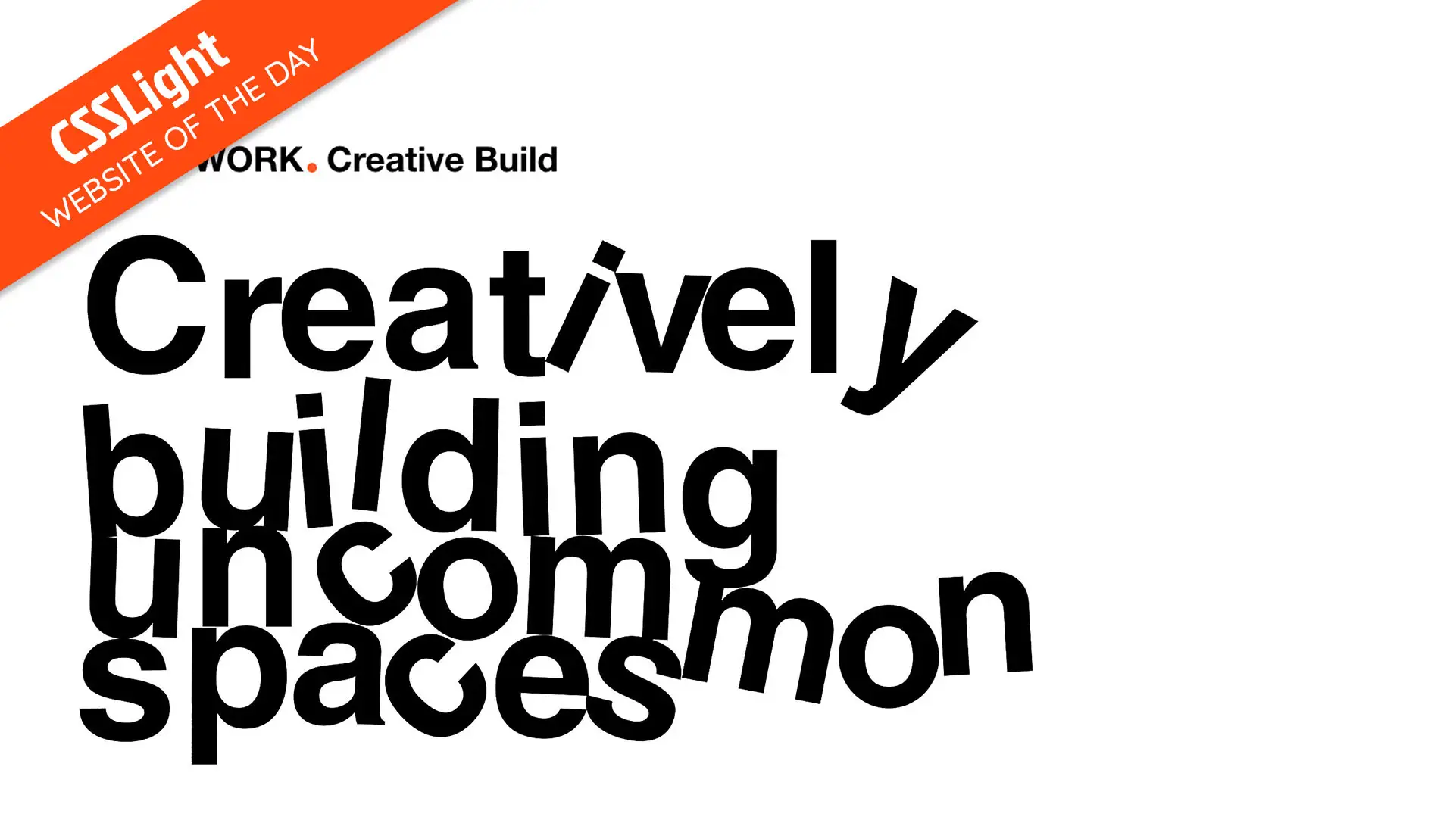
Check out Vimeo in action on our website for London’s Construction Studio; The WORK.
This is where you upload the video file directly to your server (or your CDN – shoutout to Cloudflare).

Check out the buttery-smooth videos (and cool scroll-scrubbing!) on our website for Bristol’s Creative Agency; Create Health.
In 2026, the smartest way to handle video isn’t just picking a platform; it’s how you load it.
We often use a technique called Facade Loading. We show a high-quality static image (the “poster” frame). The actual video player (YouTube or Vimeo) doesn’t even start loading until the user actually clicks or scrolls it in to view.
This gives you the best of both worlds: Instant page load speeds (keeping the Google gods happy) and a rich video experience when the user wants it.
| Feature | YouTube | Vimeo | Self-Hosted |
| Price | Free | Paid (Pro versions) | Server Costs |
| Branding | Heavy (Logo/Ads) | Clean/Customisable | Zero |
| SEO | High (Discovery) | Medium | Low (On-page only) |
| Performance | Third-party lag | Third-party lag | High (if optimised) |
| Best Use | Marketing/Reach | Brand Story/Portfolios | Background Loops |
Picking a video format shouldn’t be an afterthought. It’s a balance between Visual Impact and Technical Performance. If you’re building a site in 2026, don’t let a “cool video” be the reason your bounce rate is through the roof.
Not sure if your current video setup is killing your speed? Let the DCOED team run a performance audit and we’ll show you exactly where the leaks are.

Very easy. We build our WordPress sites with the end-user in mind, avoiding complex code that breaks when you touch it.
We use flexible content management tools (like Advanced Custom Fields) that create a simple “fill-in-the-blanks” dashboard for you. You can easily update text, swap images, and publish new blog posts without knowing a line of HTML. We also provide full training and a recorded video walkthrough of your specific dashboard before we hand over the keys.
See our user-friendly editor toolsIs your website loading slowly? There are many affecting factors that can cause your website to run or load slowly.
We can help diagnose the problem and offer a free initial review.
Check out our handy guide for some tips.
How to Optimise Your WebsiteCertainly. We’re adept at integrating various tools, platforms and APIs, from CRM systems (such as Mailchimp, FreshSales, Klaviyo and HubSpot) to payment gateways and analytics tools (Google Tag Manager, Google Analytics, Tracking Pixels) ensuring your website aligns seamlessly with your business operations.
Discuss your custom integration needs







Imagine what we could do with your website
Or tap anywhere to carry on. We won't take it personally.